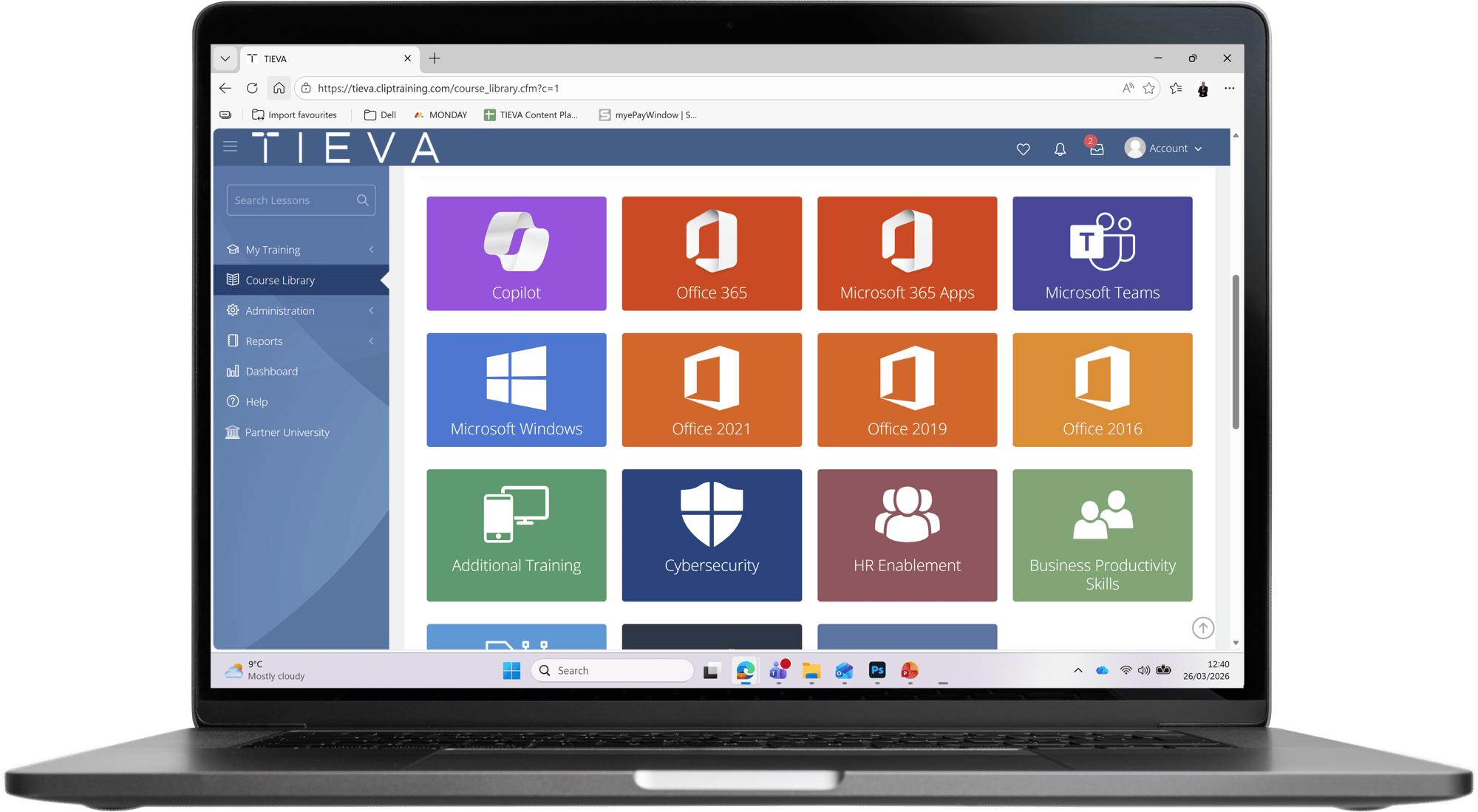
With TIEVA's Microsoft 365 Training and Knowledge Platform powered by Clip Training, your users find answers inside Teams, reduce reliance on IT, and start using the tools you already pay for.
Approximately 1.9 million companies in the UK have invested in Microsoft 365. But in many environments, adoption is inconsistent.
Some teams use it well. Others rely on the help desk or fall back on workarounds.
At the same time:
- Licence costs continue to increase
- Copilot is moving up the agenda
This creates a gap between what you’re paying for and what your business is actually getting.
Your IT team spends time answering the same basic questions week after week. It’s not complex support, but it adds up - pulling attention away from more valuable work.
Most security incidents don’t start with sophisticated attacks. They start with simple user actions - sharing data incorrectly, missing warning signs, or taking shortcuts under time pressure.
Teams, SharePoint, and OneDrive are used differently depending on the department. There’s no consistent way of working, which leads to confusion, duplication, and inefficiency.
You’re looking at AI, but many users still struggle with the fundamentals. Without a solid understanding of Microsoft 365, new tools risk adding complexity rather than value.
Microsoft 365 spend continues to rise, but utilisation doesn’t keep pace. You’re paying for capability that isn’t being fully used across the business.
Workarounds creep in because the correct approach isn’t obvious in the moment. Users default to what they know, even if it’s not the most effective or secure option.
Your users don’t also want formal training sessions. They just need to get things done.
TIEVA's Microsoft 365 Training and Knowledge Platform gives them quick, practical guidance exactly when they need it.
It sits inside Microsoft Teams and provides short, task-based videos covering everyday Microsoft 365 tasks and cyber security awareness.
For your users, this will result in faster task completion, reduced reliance on colleagues or IT support, and greater confidence when using Microsoft 365 tools. It will also lead to increased awareness of secure ways of working in everyday tasks.
No obligation. Just a practical look at how this works in your environment.
Book a Demo