Getting more people into the office doesn't necessarily get everyone into the same meeting room.
A colleague is working at another site. A customer joins from their headquarters. The specialist you need for one part of the discussion is at home. You can bring them all into a Teams call, which is exactly what makes these tools so useful.
But the experience changes when some people are around a table and others are on a screen.
Imagine six colleagues discussing a project in a room, with two more joining remotely. Someone makes a quiet comment at the far end of the table. Two people respond at once. There’s a laugh, then the discussion moves on.
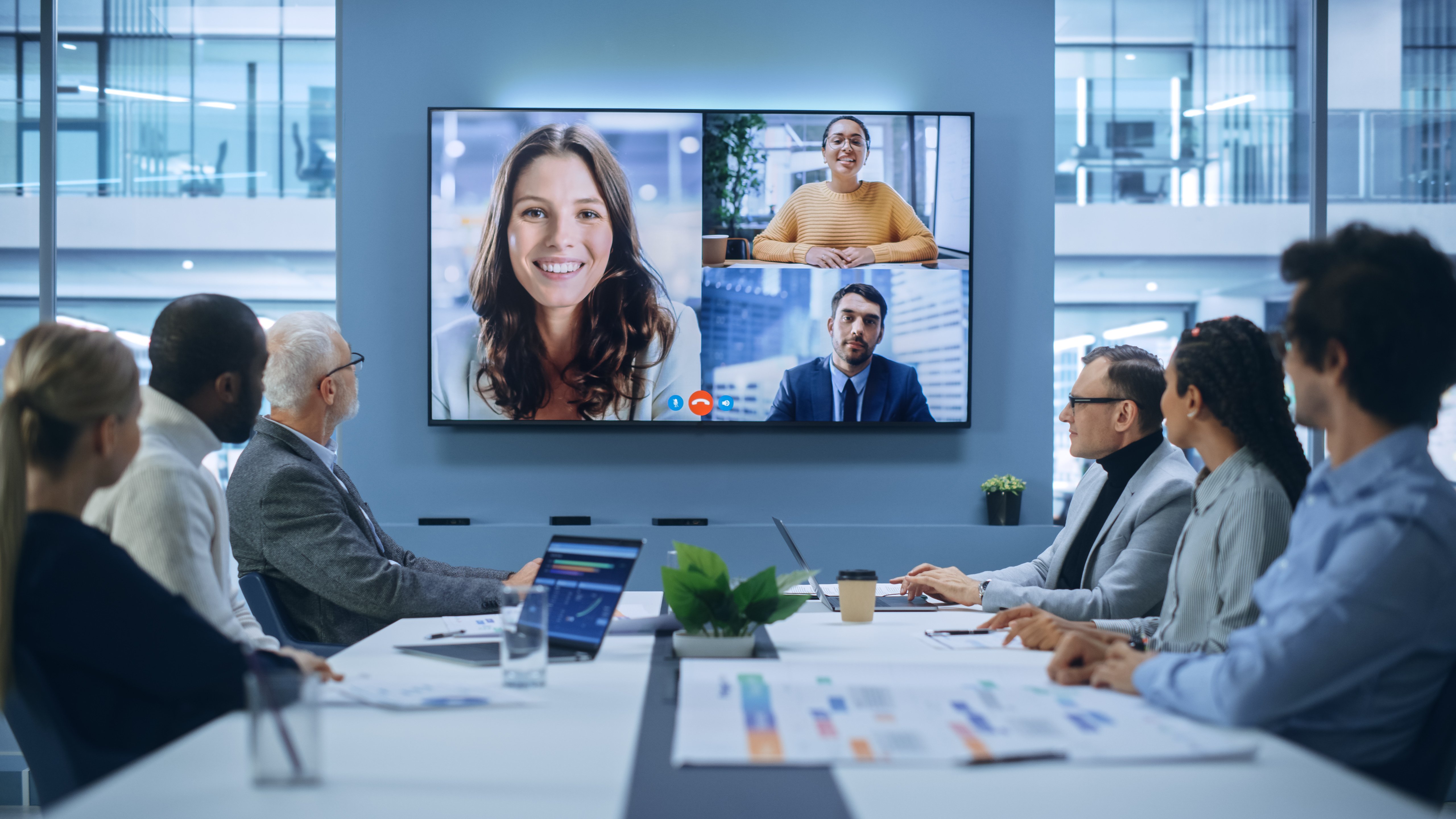
For the people in the room, it’s an ordinary exchange. For someone watching a wide-angle view of that table, it might be a conversation they’ve only half heard. By the time they’ve worked out what was said, the moment to contribute has passed.
Nothing has disconnected. The meeting is still running. Yet something useful may have been lost.
When everyone joins from their own device, each person can have a camera and microphone close by. That doesn't make every meeting perfect, but it gives you a relatively straightforward starting point.
Bring several people into a room and the technology has a different job. It has to capture a group, make the conversation understandable elsewhere and bring remote participants into the room clearly enough that they can contribute too.
For businesses bringing people back into the office, that's worth revisiting. The online meeting hasn't gone away. It's become part of the room.
The people joining remotely aren't always employees working from home, either. They might be customers, suppliers or colleagues at another branch. Even a business where everyone works on site can hold hybrid meetings every day.
This is why meeting equity matters. Put simply, where someone joins from shouldn't determine how easily they can contribute.
A meeting room should be judged from both ends of the call. If it feels effortless around the table but exhausting from another location, there's still work to do.
The exciting development is how technology can help people follow an ordinary, unscripted conversation.
Microsoft IntelliFrame, for example, can bring people in a Teams Room into clearer view, making faces and gestures easier for remote colleagues to see. That's a meaningful change from trying to read an expression at the far end of a long table. Microsoft IntelliFrame.
Intelligent cameras can also change the view as the discussion moves. Yealink's IntelliFocus provides close-up views of recent speakers, helping people elsewhere follow who is contributing. AI audio processing can reduce distracting background noise so speech is easier to follow. Yealink SmartVision 40.
The useful outcome is quite human. You can see a reaction. You can follow an exchange. You don't have to interrupt again to ask what someone said. And when the camera adjusts automatically, someone in the room doesn't have to stop participating to operate it.
Those are worthwhile improvements even if your existing equipment still works. The question becomes whether the experience could work better for the people using it.
AI doesn't remove the need to think about the physical meeting space.
A camera needs a sensible view. Microphones need to capture people wherever they're sitting. Colleagues around the table need to hear remote participants and see them alongside shared content. Otherwise, it's too easy for attention to settle entirely on the people physically present.
Meeting habits matter as well. If several people talk over one another, or a decision is finished in a side conversation, technology can only do so much. Someone still needs to make room for contributions and check that everyone has followed the discussion.
There's also no single camera behaviour that suits every meeting. Following a moving presenter can be useful; constantly changing the view during a group discussion may be distracting. The room should support the way your people work.
That takes a little thought about the meetings themselves before getting into the equipment list.
Before you decide your rooms need an upgrade - or that they're absolutely fine - join one remotely.
Ask a few colleagues to hold a normal discussion. Can you hear someone who isn't sitting near the microphone? Can you tell who's speaking without asking? When you contribute, do people in the room notice and respond? Then swap places. Check what it's like to hear remote colleagues and see them while a presentation is on screen.
It's a simple exercise, but it gives you a much more useful starting point than the age of a camera or a list of features. You may find that adjusting the layout or enabling existing capabilities helps. You may identify a reason to change equipment. Either way, you'll know what you're trying to improve.
As people spend time together in the office, there's a real opportunity to make that time valuable. The meeting room needs to help include the expertise outside its walls too.
At TIEVA, that's where the conversation starts: what matters to the people using the room, and where technology could make a difference.
Explore the possibilities in our guide, Intelligent Meeting Rooms: How AI Is Changing the Meeting Experience. Download the guide, or speak to your TIEVA account manager about anything covered here and what it could mean for your current or planned rooms.

Alan Wagstaff
Alan Wagstaff is a Technical Sales Consultant at TIEVA. He focuses on understanding what clients need from their technology and helping them choose products and solutions that fit. His approach starts with how people work and what they want to achieve, so recommendations serve the client’s priorities and make a practical difference.